 DayLoop
Know if your day fits before you start
DayLoop turns your tasks, meetings and breaks into one ring. It tells you when you are over capacity, learns how long your tasks really take, and helps you close the day calmly.
Android app: coming to Google Play
Six ideas built into the planner
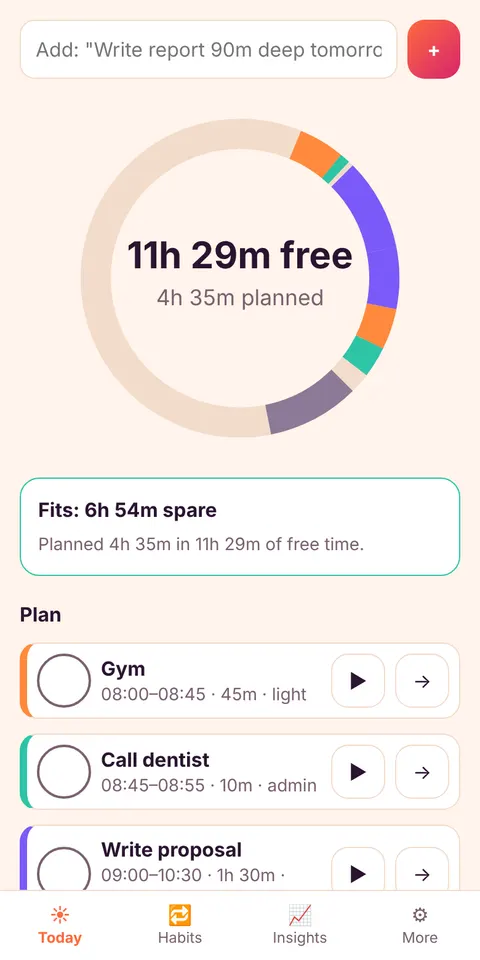
Day Ring
Your whole day as one ring: busy time, planned tasks and free time. You see in one second whether the day fits.
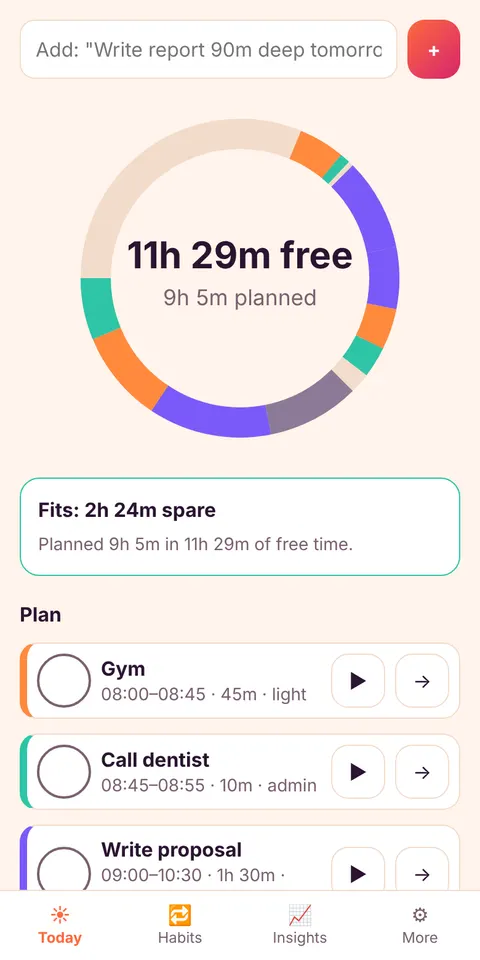
Capacity Guard
Add a task and DayLoop checks it against the time you really have. If the day is over capacity it suggests what to move.
Estimate Coach
Time your tasks with the focus timer. After three tasks DayLoop learns how much you underestimate and adjusts your plan.
Slip tray and weekly report
Tasks that did not fit go to a tray: tomorrow, split, or drop. The weekly report tells you why things keep slipping.
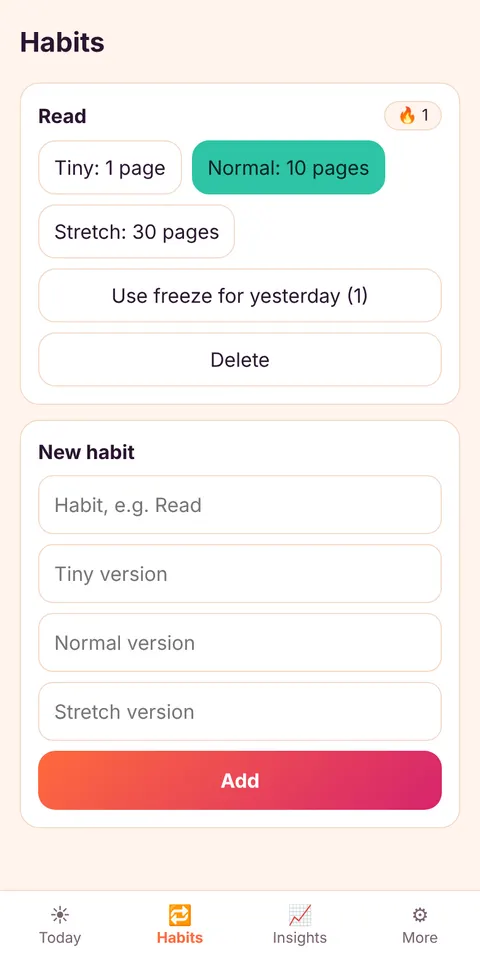
3-tier habits
Every habit has a tiny, a normal and a stretch version. A bad day still counts, and freezes bridge a missed day.
Evening wrap-up
Close the day in three taps, pick your top 3 for tomorrow, and wake up to a plan that already fits.
Made for your kind of day
Free tools
Questions
Is DayLoop free?
Yes. The web app is free and has no ads. The Android version is free with ads and has an optional paid plan that removes them.
Do I need an account?
No. Tasks, habits and notes stay on your device. Export a backup file whenever you like.
Does it sync across devices?
Not yet. DayLoop is local-first. You can export and import a backup, and export your plan as an .ics file for your calendar.
Can I see my calendar events?
You can import an .ics file to mark busy time. There is no live calendar connection.
How does the Estimate Coach work?
It compares the minutes you actually spent with your estimates on completed tasks and uses the average ratio, limited to a sensible range, to adjust the time shown in your plan. You can switch it off.
What is a “quick add”?
Type “Write report 90m deep tomorrow” and DayLoop reads the duration, the energy type and the day.